

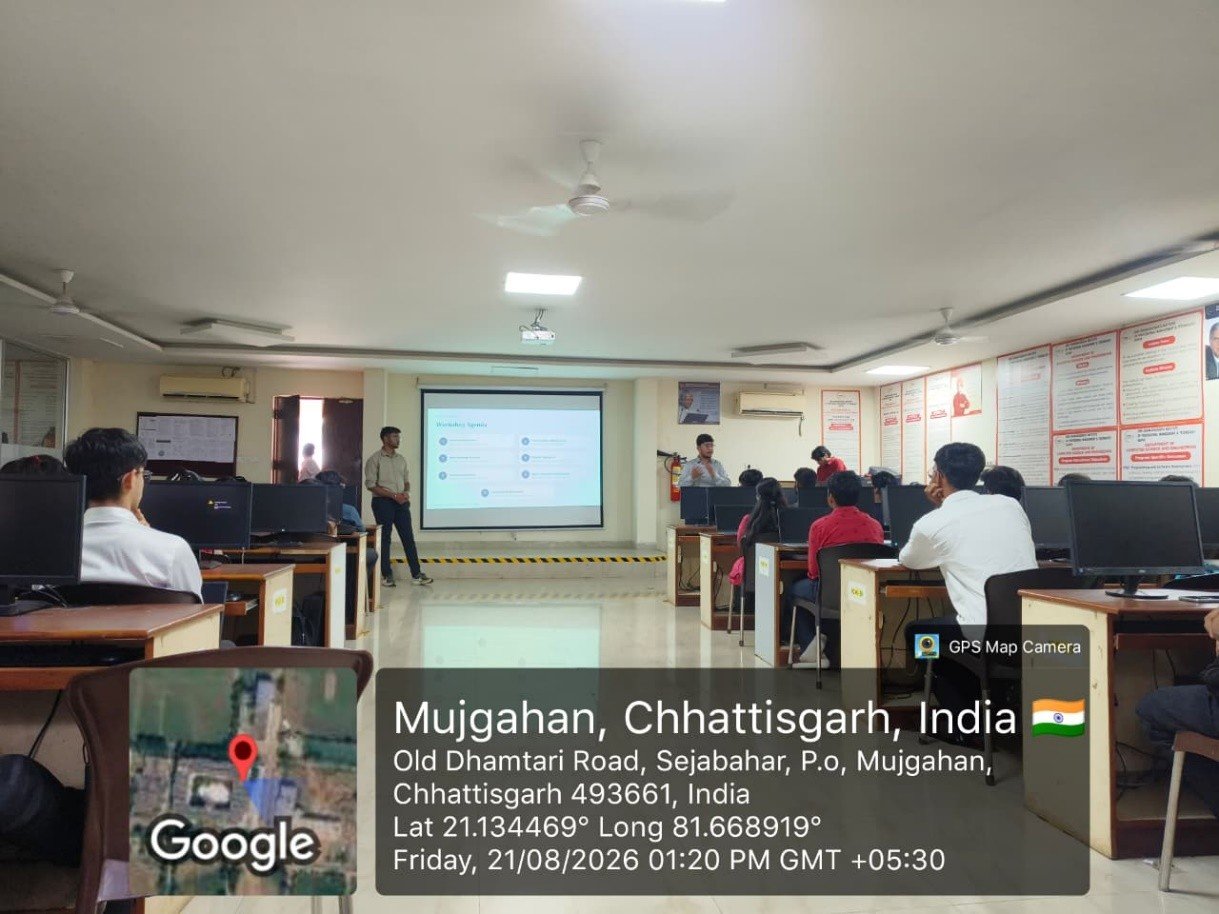
Raipur, August 21, 2026: The Centre of Excellence (COE), Department of Computer Science and Engineering (CSE), at Shri Shankaracharya Institute of Professional Management & Technology (SSIPMT), Raipur, successfully organised a Workshop on Server Deployment on August 21, 2026, at CSE Lab-02, Academic Block. Conducted from 1:00 PM to 4:00 PM, the workshop witnessed the participation of 44 students and focused on practical aspects of software development, cloud deployment and application hosting.
The workshop was coordinated by Mr. Prakashmani Awasthi, Assistant Professor, Department of CSE. The resource persons were Mr. Vedansh Chandrakar and Mr. Shreyansh Golcha, seventh-semester students of the CSE Department and active members of the Centre of Excellence. Drawing on their practical experience in software development, server management and application deployment, they guided participants through the process of taking a web application from a development environment to a live server.
Hands-On Introduction to Cloud Server Deployment
The programme began with a welcome address and workshop overview, followed by an introduction to server deployment. Participants learned about the importance of deployment in the software development lifecycle and the steps involved in making an application accessible through a live server.
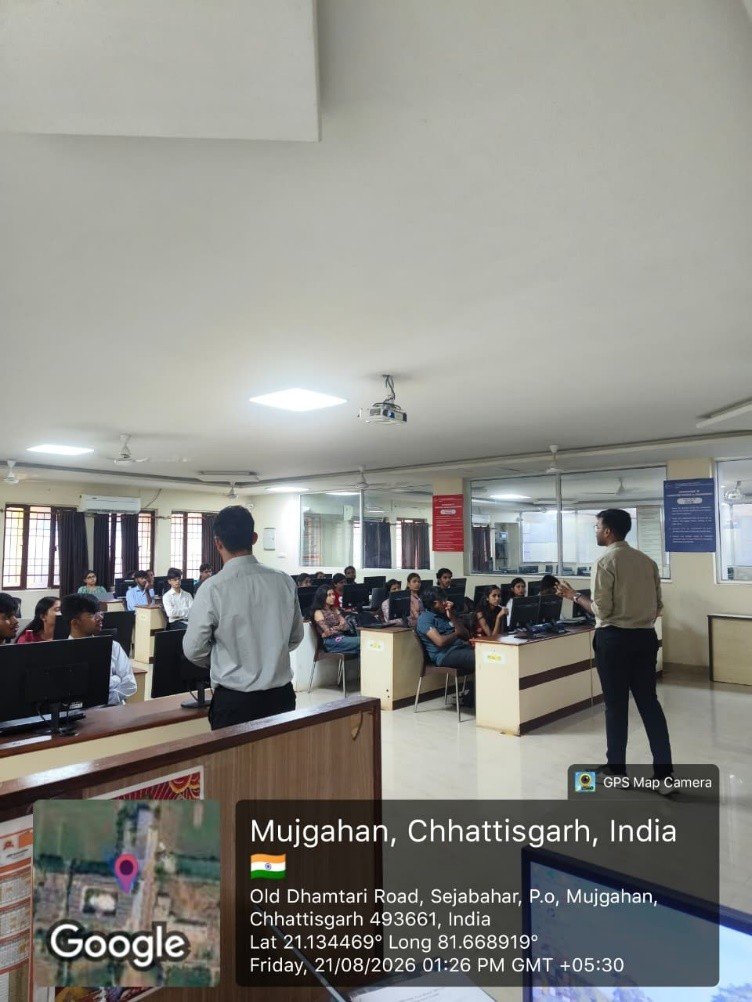
The technical sessions used Amazon Web Services (AWS) EC2 with Rocky Linux 10.2 as the server environment. Students were introduced to cloud server setup, Secure Shell (SSH) access, system configuration and essential Linux commands, gaining practical insight into preparing a fresh cloud server for application hosting.
Deploying Node.js and React Applications
A key highlight of the workshop was the step-by-step demonstration of deploying a full-stack web application, covering both backend and frontend components.
During the backend deployment session, participants learned how to deploy a Node.js/Express application. The demonstration covered cloning code repositories using Git, installing project dependencies with npm, configuring environment variables, connecting the application to MongoDB Atlas and managing the running backend process with PM2.
The frontend deployment session focused on React application hosting. Students explored repository cloning, dependency installation, API URL configuration and the creation of a production build. These activities helped participants understand how frontend and backend components are prepared and deployed as part of a complete web application.
Understanding PM2 and Nginx
The workshop also explained the roles of PM2 and Nginx in maintaining and serving deployed applications.
Participants learned how PM2 helps keep the Node.js/Express backend process running, while Nginx acts as a web server and reverse proxy. The resource persons demonstrated how Nginx serves the React frontend and forwards API requests to the backend application managed through PM2.
This session helped students understand how different components work together to make a full-stack application accessible and functional in a production environment.
Server Security and Troubleshooting
Another important component of the workshop was server security and troubleshooting. Participants were introduced to firewall rules, AWS Security Group configuration and common issues that may arise during deployment.
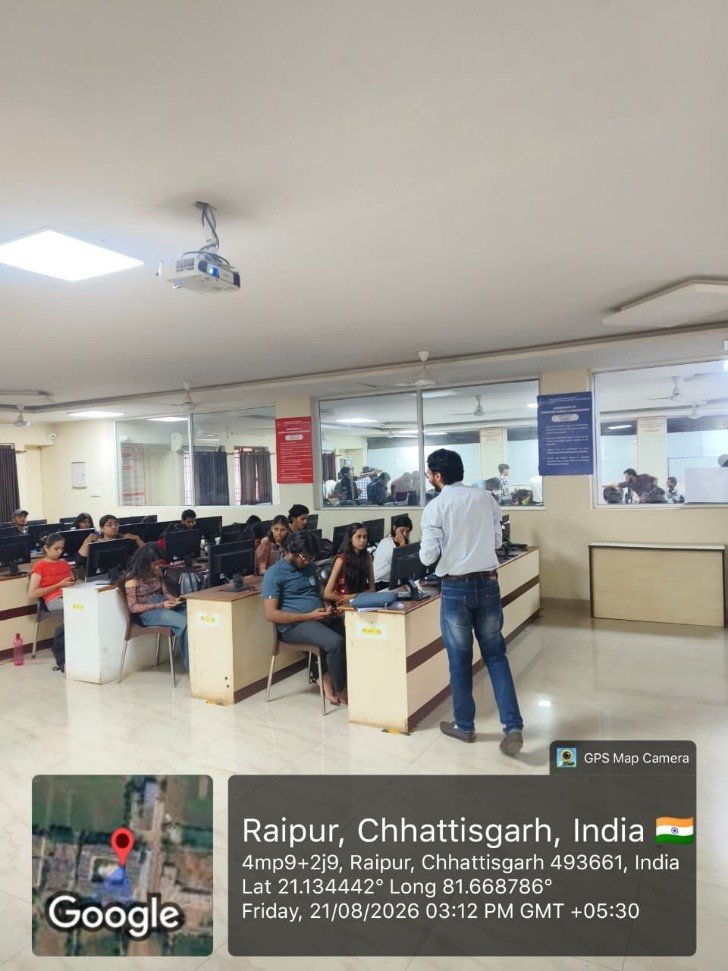
The discussion covered Linux and Nginx permission problems, HTTP 502 errors and Cross-Origin Resource Sharing (CORS) configuration. The resource persons also highlighted the importance of storing sensitive application credentials in environment variables and avoiding unnecessary exposure of server ports.
These practical examples helped students recognise common deployment challenges and understand the importance of secure server configuration.
Live Demonstration of the Complete Deployment Workflow
During the hands-on demonstration and deployment verification session, the resource persons presented the complete application deployment workflow and explained how the different services interact.
Students observed how browser requests reach the AWS EC2 server through Nginx, how API requests are forwarded to the Express backend and how the backend communicates with MongoDB Atlas.
The demonstration connected the individual technical sessions into a complete deployment process, helping participants understand the relationship between cloud infrastructure, frontend hosting, backend services and database connectivity.
Interactive Discussion and Student Learning
The workshop concluded with an interactive question-and-answer session, during which students clarified their doubts about server deployment, configuration and troubleshooting. A vote of thanks marked the conclusion of the programme.
The workshop provided participants with practical exposure to deploying a full-stack application on AWS EC2 and strengthened their understanding of cloud computing, Linux server administration, application hosting, process management, web server configuration and deployment security.
By combining demonstrations with practical technical explanations, the initiative helped bridge the gap between software development and real-world deployment practices. It also encouraged students to explore modern development workflows and build the technical skills needed to deploy and maintain web applications.
Overall, the Workshop on Server Deployment reflected SSIPMT Raipur’s continued emphasis on experiential learning and technical skill development through the Centre of Excellence. The participation of student resource persons also highlighted the value of peer learning and collaborative knowledge sharing within the CSE Department.
